
Plan delivery routes
that actually save
time and fuel.
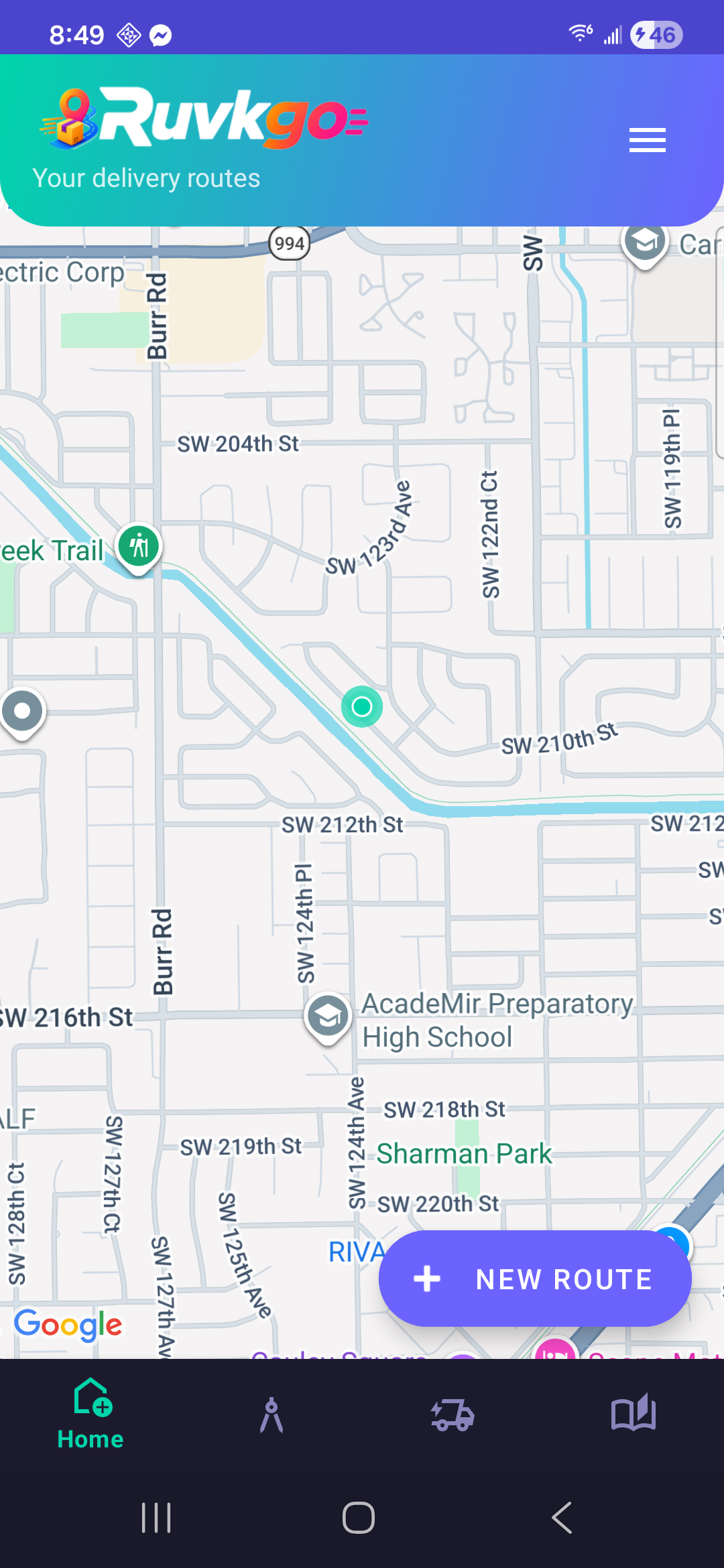
Ruvkgo orders your stops automatically, prioritizes urgent deliveries, and gets you navigating in one tap — with no subscriptions, ever.
Everything a delivery route needs, nothing it doesn't.
Built for couriers, drivers, and small businesses who need their stops organized fast — not another dashboard to manage.
Smart stop ordering
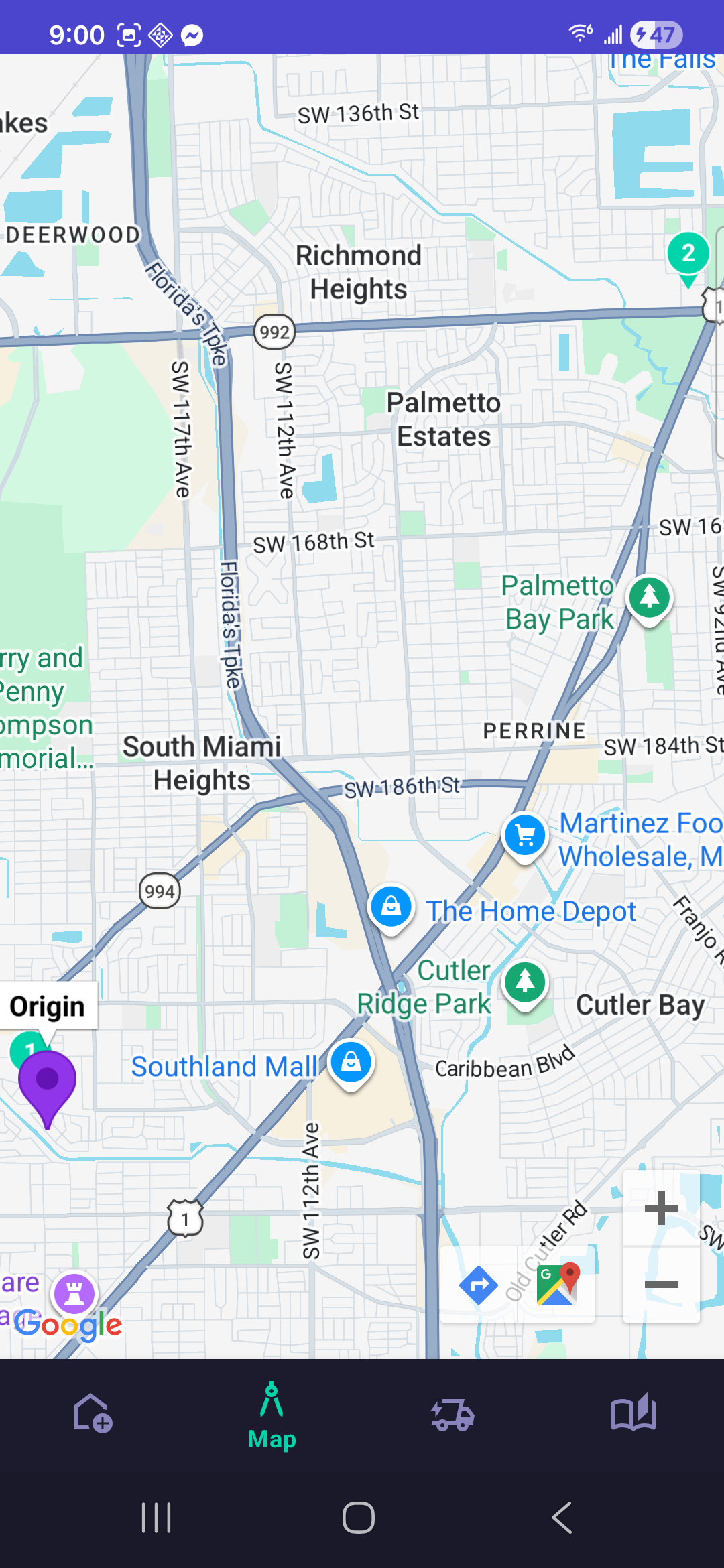
A Nearest Neighbor + 2-opt algorithm reorders your stops for the shortest path, calculated entirely on your device.
Priority levels
Mark a delivery Urgent and it always moves to the front of the route — perfect for express packages.
Scan addresses
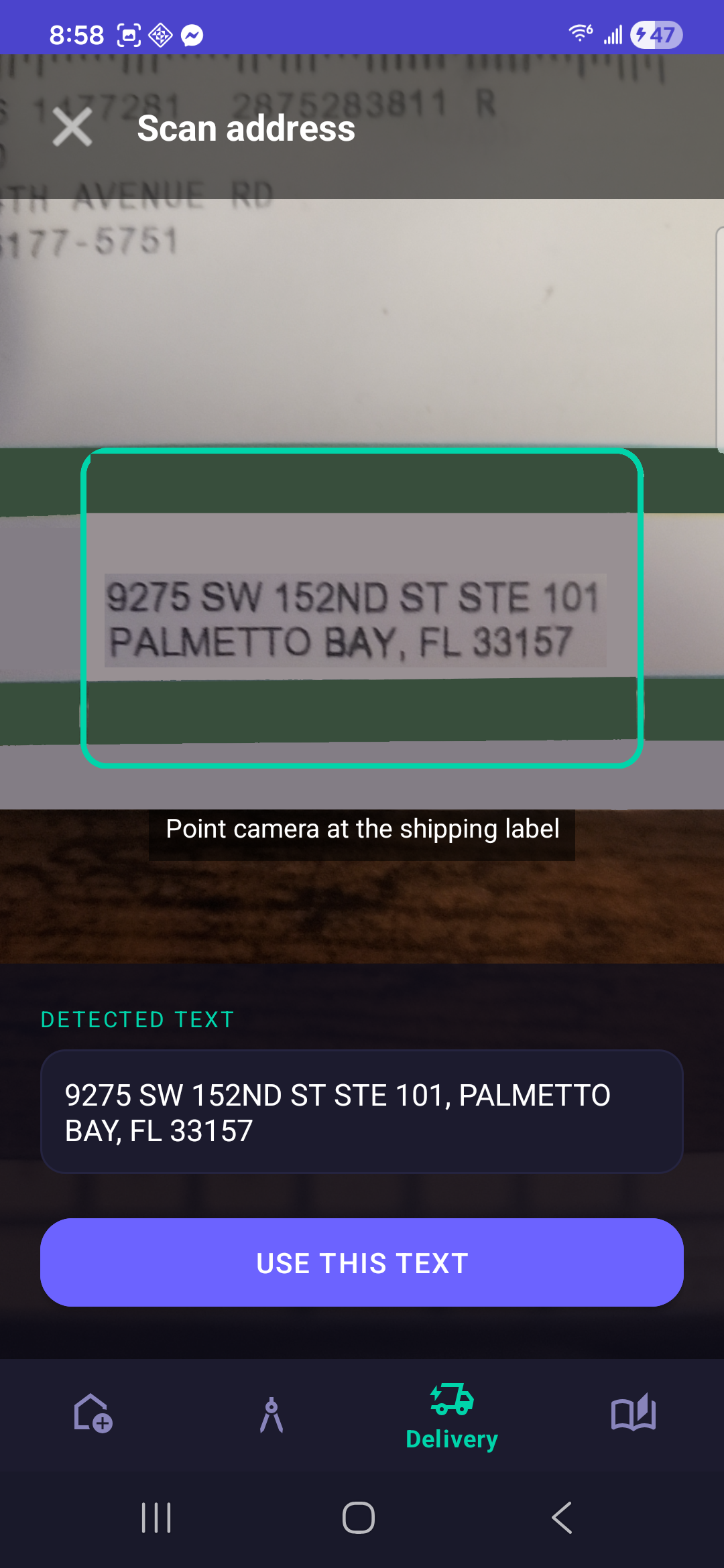
Point your camera at a shipping label and Ruvkgo reads the address in real time. No typing, no internet required for the scan.
Navigate anywhere
Tap a stop and jump straight into Google Maps, Waze, HERE WeGo, or Organic Maps — whichever you already use.
Route history
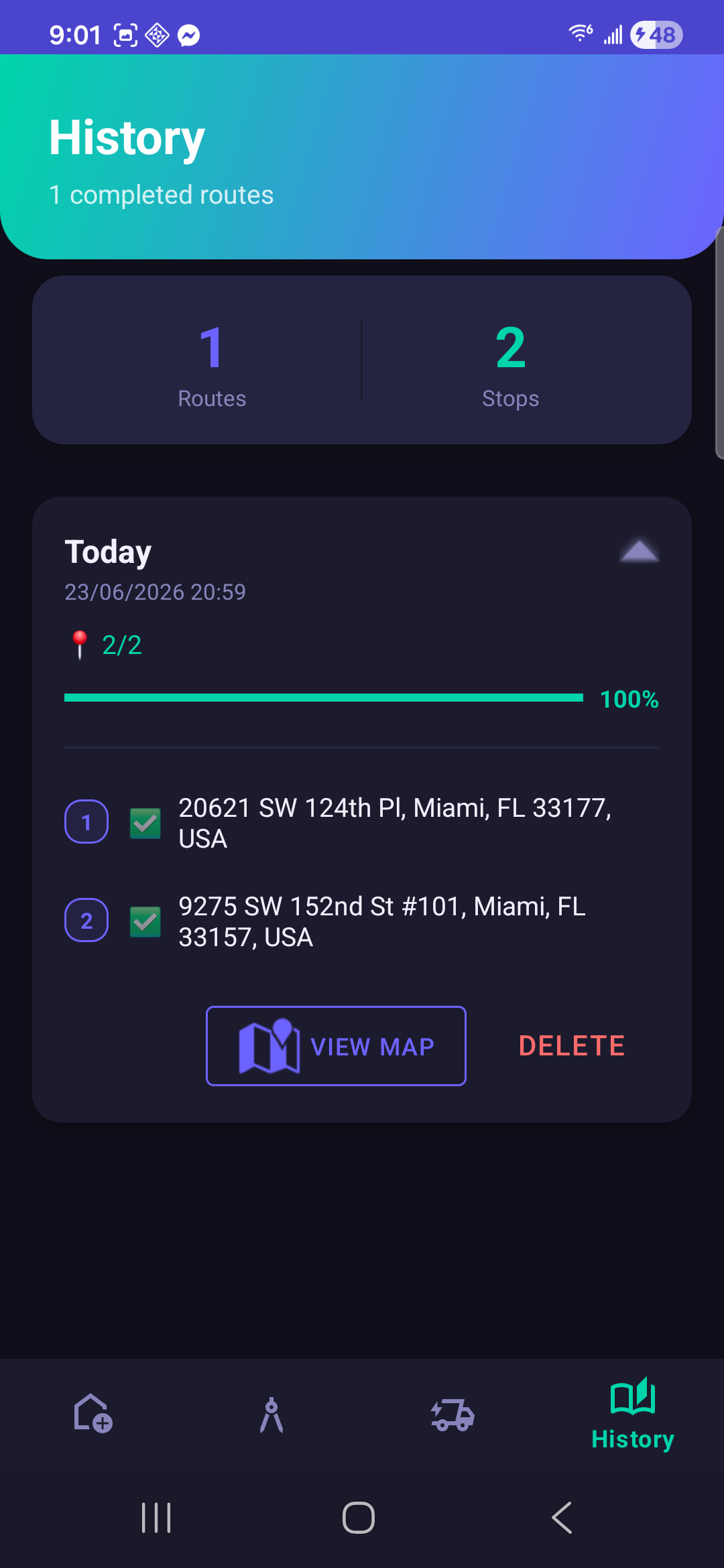
Every completed route is saved with its stops and status, so you always have a record of what was delivered and when.
11 languages
English, Spanish, German, French, Portuguese, Italian, Hebrew, Russian, Japanese, Korean, and Chinese — switch anytime.
Drop your stops in any order. Ruvkgo finds the short way through.
Nearest Neighbor builds an initial path, then 2-opt improvement untangles crossings — the same logic running quietly behind every route you create.
A clean route, from first stop to last.
No subscriptions
Ruvkgo is free to use. No paywalls, no premium tier hiding the features you need.
Stops per route
A generous limit that keeps the app within Google Maps' free tier — so it stays free for everyone.
Data stays on-device
Routes, stops, and scanned addresses are stored locally. Nothing is uploaded to a server.
Frequently asked
Your next route is already faster.
Free to download. No account required to start.
Get Ruvkgo — Available on Google Play